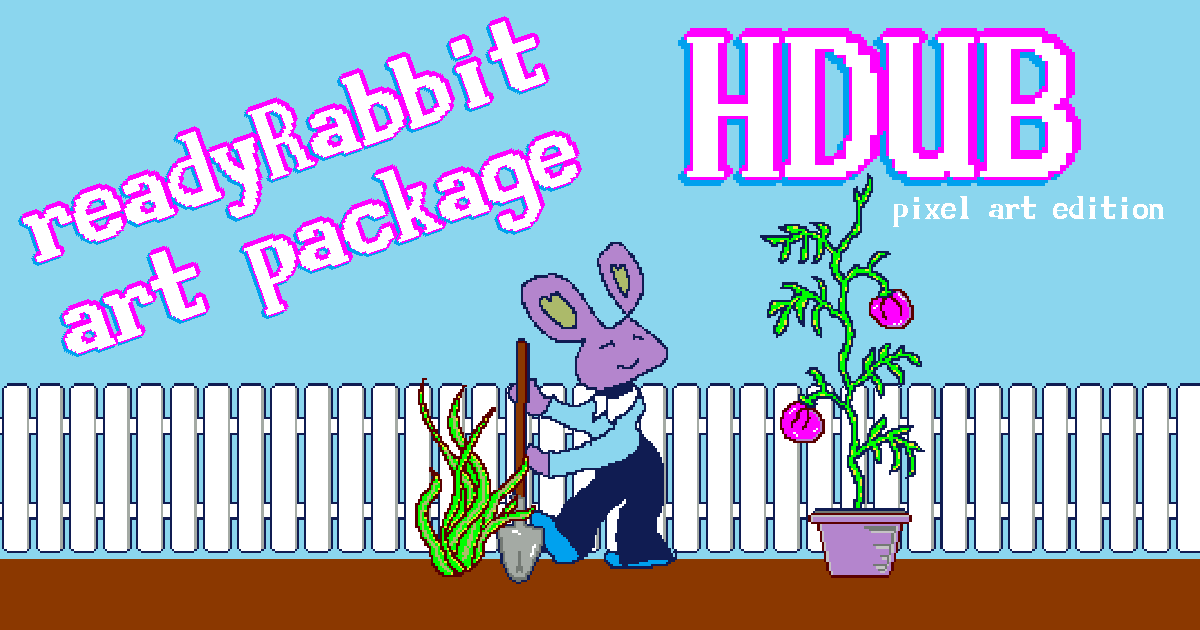
Pixel Art Starter Package: ‘readyRabbit’
Yes, my pixel art graphics might seem a little bit ‘cheesy’ but, as I kept on working at it, I did draw a couple of pixel art buttons that I actually really like. Those two flowers are my favourite ones of the bunch. The rest is not half-bad, and it goes along to give a fair demostration of what the program is capable of, and it’s better than just opening the program to a completely blank screen. It’s set up to work like a clipping art from another window, just look through the file menu and you will find the button for that.
The system doesn’t work only exclusively for the pixel art package that I have included, it is designed completely to allow you to do the exact same clippable artwork setup with your own artwork buttons. That way you can have a strip of buttons open in a separate window and just click them to put them in. It makes it very easy to make copies and re-use your work.
I hope that these buttons which I have pre-made will be interesting enough that you will enjoy using them. There is no copyright or limitation, just use them. Maybe this will inspire you to search through the program to find some clippable button code, which is available in various places, you just need to read some of the tooltips, and probably you can find the code. Most of the time it’s going to the clipboard, and then you need to paste it back into the button click area. It’s found in Tab I and then down there somewhere it says ‘code’, there is a little tab that says ‘code’. That is where you will find the spot to enter the button click code.
I hope you enjoy this program, I will get back to working on it later, right now I have a large project that I am working on at home, and I can’t wait to finish it. So, my contributions to the code for this project will be minimal for a while, until I can complete my work here at home. Some types of projects you need to complete before the cold weather comes…
Wish me the best!
-DCKIM